

Overview: Release management is the process of planning, scheduling, and controlling software builds through different environments. This guide breaks down how top companies move code into production safely and quickly. You will learn the core strategies, common pitfalls to avoid, and how to build a reliable deployment process that keeps your team moving fast without breaking things.
01. Introduction
Imagine it is Friday afternoon. Your team just finished a critical feature that the product manager promised to a client. You merge the code, trigger the build, and push to production. Within seconds, the error logs start flooding your Slack channel, customers are reporting a site outage, and the entire team is scrambling to rollback. This is the classic production deployment nightmare that plagues even talented engineering teams.
Many junior developers assume release management is just about clicking a button in a tool like Jenkins or GitHub Actions. They focus heavily on the code itself but overlook the orchestration required to move that code safely through testing, staging, and finally, into the hands of users. Without a clear strategy, your deployment process becomes a bottleneck, characterized by manual checklists, finger-pointing during incidents, and fear of change.
In this article, we explore how high-performing teams master release management. We will look at how to structure your delivery pipeline, when to use specific deployment strategies like blue-green or canary releases, and how to automate the safety checks that catch bugs before they reach your customers. By the end, you will understand how to shift from reactive firefighting to proactive, automated delivery.
It is worth noting that release management is a cultural shift as much as a technical one. When the barrier to deployment is high, teams hoard changes, leading to massive, risky releases. When the process is automated and safe, teams deploy small, manageable chunks of code frequently. This shift lowers the cognitive load on developers and creates a predictable cadence for the business. We see in our DevOps training that students often struggle most with the transition from manual approval gates to automated verification. Understanding the "why" behind these strategies is the first step toward building a system that allows you to sleep soundly on Friday nights.
02. Core Approaches to Shipping Code
Successful teams treat software deployment as a predictable, boring operation. If you find yourself holding your breath every time you deploy, your process is not yet mature. The foundation of professional release management is the separation of deployment from release, which means the act of moving code to a server should not necessarily mean the code is visible to every user.
Trunk-Based Development
Trunk-based development requires every developer to merge their changes into a single main branch frequently. Instead of keeping long-lived feature branches that diverge for weeks, teams integrate small, incremental updates. This reduces the complexity of merge conflicts and ensures the codebase is always in a deployable state.
The biggest challenge here is mindset. Junior developers often fear that merging unfinished code will break the main line. To solve this, high-performing teams use feature flags. These are simple conditional statements in your code that toggle features on or off without requiring a new deployment. If a feature causes an issue, you flip a switch instead of performing a panicked emergency revert.
When you start with trunk-based development, you might feel exposed. You are essentially working on the "live" branch. However, this is exactly the point. It forces you to write code in smaller, modular pieces. If you need to hide a feature, you wrap it in a configuration check. This makes your deployment pipeline faster because you aren't waiting for a massive integration phase at the end of the month.
Automated Quality Gates
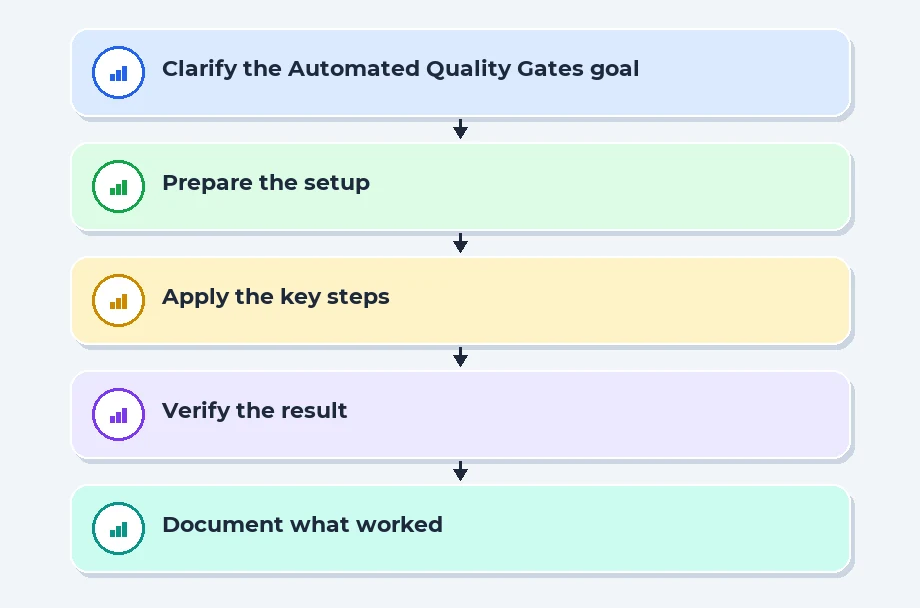
Before any code reaches production, it must pass through automated checks. These are not just unit tests. They include static analysis for security vulnerabilities, automated integration tests that mimic user flows, and contract tests for microservices. If any of these gates fail, the pipeline stops immediately. This is how you build trust in your deployment process.
A common mistake is treating test automation as an afterthought. High-performing teams define their quality gates before they write the feature code. They define a "definition of done" that requires a suite of tests to pass. If you are struggling with flaky tests in your environment, prioritize fixing those tests before adding new features. A test suite that provides false positives is more dangerous than no tests at all, as it gives you a false sense of security.
Placement Clients


MSME Companies in UK & US
03. Modern Deployment Patterns
Choosing the right deployment pattern depends on your risk tolerance and infrastructure. Whether you are using Kubernetes or traditional server instances, you need a strategy to minimize downtime. Understanding these patterns is essential for any modern DevOps engineer who wants to maintain a high-availability system.
Blue-Green Deployments
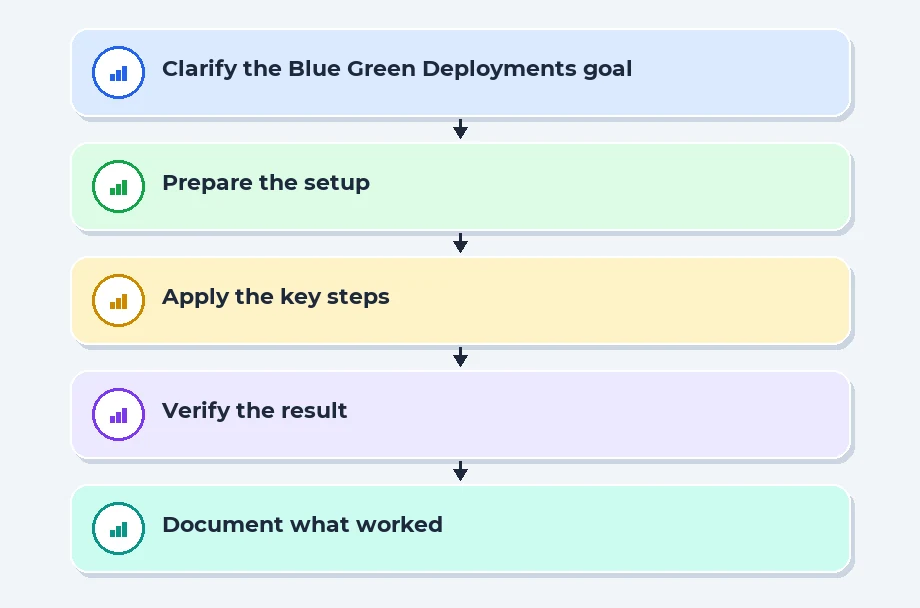
In a blue-green model, you maintain two identical production environments. The blue environment runs your current version, while you deploy the new version to the green environment. You test the green environment thoroughly while users remain on the blue. Once satisfied, you switch the traffic router to point everything to green. If a bug appears, you simply switch back to blue instantly.
The primary benefit here is the speed of recovery. If your green environment starts throwing errors, you don't need to rebuild or redeploy; you just flip the load balancer back to the blue environment. This keeps downtime to almost zero. The cost is that you are effectively doubling your infrastructure bill, which is why teams often look for more efficient ways to manage resources.
Canary Releases
Canary releases involve rolling out a change to a small subset of your users first. Imagine routing 5 percent of your traffic to the new version while the rest stay on the stable version. You monitor the error rates and performance metrics of that 5 percent. If the metrics look healthy, you gradually increase the traffic until everyone is on the new version. This is the gold standard for reducing blast radius.
When implementing a canary approach, observability is your best friend. You must have real-time dashboards that show exactly how the canary traffic is performing compared to the baseline. If latency spikes or error logs increase for that 5 percent, you can halt the rollout automatically. This is a powerful way to gain confidence in your release process without putting your entire user base at risk.
04. Architectural Decisions and Trade-offs
Release management is often a game of balancing speed against stability. Every team has different constraints, such as budget, team size, and the nature of the application. Here is how you can compare common deployment strategies to make the right choice for your specific environment.
| Strategy | Risk Level | Infrastructure Cost | Rollback Speed |
|---|---|---|---|
| Big Bang | High | Low | Slow |
| Blue-Green | Low | High | Instant |
| Canary | Very Low | Moderate | Fast |
| Rolling | Medium | Low | Moderate |
Common Pitfalls and Fixes
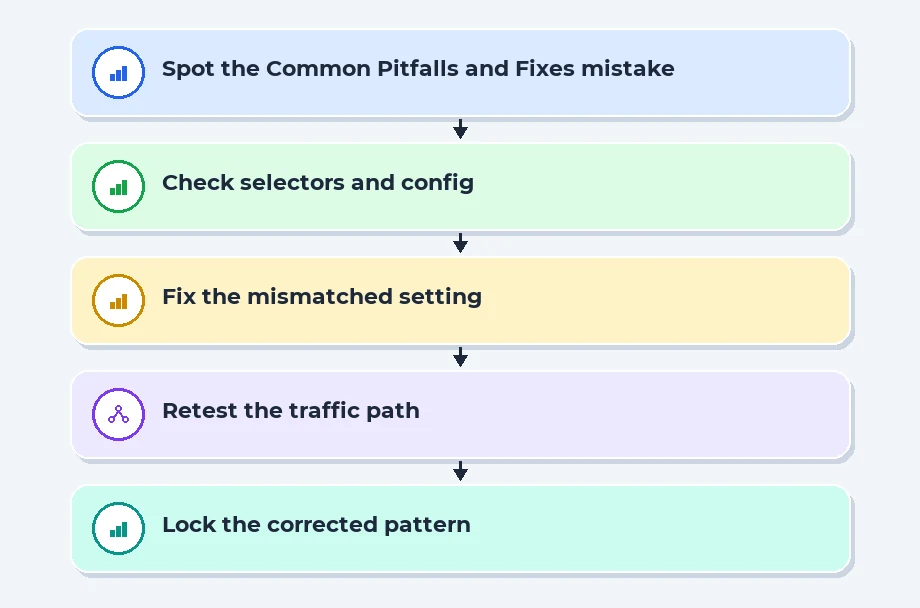
One common mistake is skipping the staging environment because you want to move faster. While staging environments are sometimes criticized for not perfectly mirroring production, they are vital for catching obvious integration errors. If your staging environment is too slow to update, your problem is not the environment itself, but your containerization or configuration management process. Fixing the pipeline performance is almost always worth the investment.
Another issue is ignoring database migrations. A code deployment might work perfectly, but if the database schema is incompatible with the new code, the application will crash. High-performing teams ensure database changes are backwards-compatible and applied as part of the automated pipeline. This often involves a multi-step migration process where you add new columns without removing the old ones, allowing the old code and new code to run side-by-side during the transition.
Finally, avoid manual intervention in production. If a human has to SSH into a server to fix a config file, you have a configuration drift problem. Everything in your environment should be defined as code, stored in version control, and deployed through the same pipeline. If you are interested in deepening your technical understanding of these workflows, check out the resources our courses page to see how these patterns fit into a wider engineering career.
05. Decoupling Deployment from Release
In high-performing teams, the act of pushing code to production is no longer synonymous with the act of showing that code to your users. When you treat deployment as a technical movement of bits onto a server and release as a business decision to toggle a feature, you gain a massive safety margin. It allows developers to ship code incrementally without worrying about breaking the user experience, as the features remain dormant behind a feature flag until the product team gives the green light.
This strategy fundamentally changes how engineers sleep at night. Instead of bundling a dozen changes into a high-stakes, once-a-week release train, you are merging small, digestible chunks of work into the main branch constantly. If something goes wrong, you don't have to scramble to roll back an entire build; you simply flip a switch to disable the problematic feature while leaving the rest of the application running smoothly. It turns a potential incident response nightmare into a simple configuration change.
The operational reality of feature flags
Using feature flags effectively requires a culture of rigorous cleanup. If you leave flags in your codebase for too long, you end up with a messy, bloated architecture that is harder to test and maintain, effectively creating technical debt. I tell my junior developers to treat a feature flag as a temporary loan from the future; you must pay it back by removing the toggle once the feature is fully rolled out and stabilized.
You should also implement a naming convention that indicates when a flag was created and who owns it. This prevents the classic "zombie flag" scenario where nobody knows if it is safe to delete a specific line of code. By treating flag management as a core part of your release hygiene, you ensure your codebase stays clean while maintaining the high-velocity deployment capabilities that define elite engineering organizations.
Recent Job Descriptions

06. Embracing Automated Canary Analysis
Once your team is comfortable shipping code daily, the next logical hurdle is ensuring that every release is actually healthy. High-performing teams often lean on automated canary analysis to validate their deployments in real-time. Instead of pushing an update to all your users at once, you deploy the new version to a small, isolated subset of your infrastructure, usually covering about five percent of your traffic. You then compare key performance indicators-like error rates, latency, and throughput-against the stable baseline of the existing production environment.
If the canary detects even a slight degradation in performance, the system automatically halts the rollout and triggers a rollback. This creates a safety net that operates at machine speed, far faster than any human could monitor a dashboard. It removes the "hope-based" deployment model where you cross your fingers after hitting the deploy button, replacing it with a data-driven verification process that catches regressions before they ever impact your broader user base.
Mitigating blast radius through traffic shaping
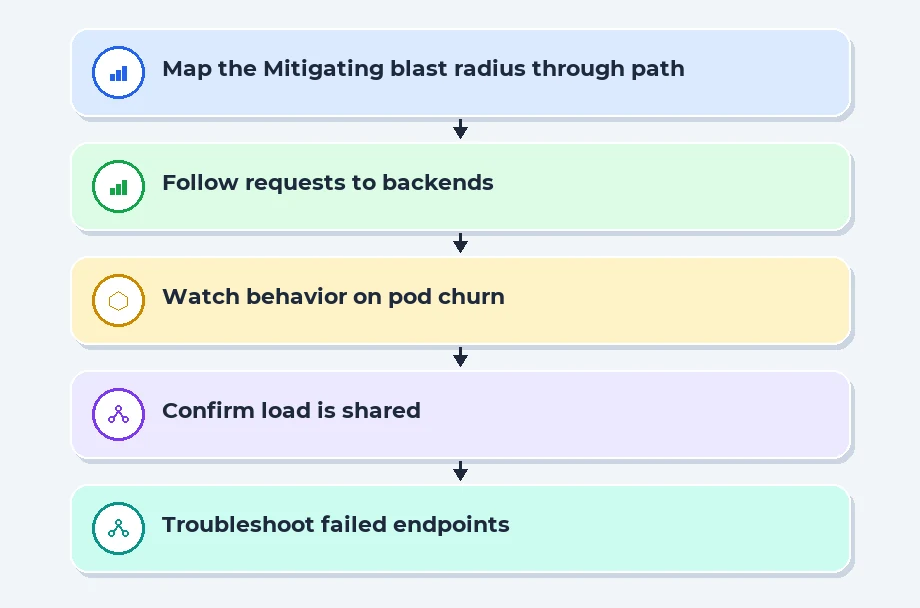
The beauty of canary deployments lies in their ability to limit the blast radius of a bad release. By using traffic shaping tools, you can route specific segments of users to the canary build, such as internal employees or beta testers, before exposing it to the general public. This allows you to verify that your new database schema or API endpoint handles load correctly without risking a total service outage for your biggest customers.
When you automate this process, you move the focus of your team away from manual smoke testing and toward writing better health checks. If your health checks are poorly defined, the canary analysis will fail to catch subtle bugs. Spend your time defining exactly what "healthy" looks like for your services, and let the automation handle the heavy lifting of verifying that standard under fire. It is the single most effective way to scale your release management without bloating your QA department.
07. References
MDN Web Docs:MDN Web Docs
OWASP - Web security resources:OWASP - Web security resources
NIST Cybersecurity Framework:NIST Cybersecurity Framework
08. Conclusion
Effective release management is the hallmark of a mature engineering culture. It is not about perfect tools, but about creating a system where the path to production is boring, repeatable, and safe. By adopting strategies like trunk-based development, using feature flags to control risk, and implementing automated quality gates, you protect your users and your own peace of mind.
Remember that every deployment is a learning opportunity; when things go wrong, focus on fixing the process rather than blaming the developer. A post-mortem should lead to better automation, not more manual checklists. With a solid foundation, your team can spend less time fighting fires and more time building value for your customers. Keep your pipelines small, your tests fast, and your deployments frequent. Over time, these small habits compound into a highly resilient delivery organization.
Navigate to Address
Scoop Labs
59, 2nd Floor, VLM Towers, 10th Cross Road, 2nd Stage, Padmanabha Nagar, Banashankari, Bengaluru, Karnataka 560070
Get Direction: Banashankari
Submit a Request
Recent Posts


