

Overview: Kubernetes automates how an app runs across many machines. It handles scheduling, updates, scaling, and networking. This article breaks down what actually happens when you deploy an app to Kubernetes, with a practical, step-by-step view. You'll see how a manifest becomes pods, how rollouts proceed, how services connect, and where security and monitoring fit in. It's a real-world guide for DevOps in cloud-native teams.
We'll follow a small web app as it moves from code to a live, healthy service. You'll learn what Kubernetes does behind the scenes, what can go wrong, and what good operators check during a deployment. The focus is on concrete steps, practical decisions, and common mistakes you'll actually see during PR reviews or weekend maintenance sprints.
As you read, picture the everyday scenes of a busy Bengaluru shopfloor team: a PR review, a staging test, a rollout that starts slowly during off-peak hours, and a dashboard pinging with health signals. The guidance here reflects how real teams work with Kubernetes in cloud-native stacks, and it aligns with hands-on, project-based learning that helps you move toward production readiness.
01. Introduction
In many Bengaluru teams, Kubernetes is the backbone for running microservices. When a developer pushes code, the question becomes not just what changed but how the cluster will react. Kubernetes translates a manifest into a live system without manual fiddling on every node. That automation is powerful, but it hides a lot of subtle work that matters for reliability. This article follows a senior trainer's view to show what actually happens and why it matters for day to day work.
The example we'll use is a small set of services that form a web application with a frontend, an API, and a data store. The goal is to deploy this app to a cluster, keep it healthy under load, and update it without breaking users. You will also see how this plays out in real world environments where teams balance speed, safety, cost and operational overhead.
As you read, think about the practical choices a junior engineer would encounter during a typical PR review or a weekend maintenance window. The guidance here reflects common industry practice in India's software ecosystem and aligns with classroom learning that emphasizes project based outcomes, mentorship, and placement readiness. The path you follow starts with a clear model of what Kubernetes does when you deploy an app and then moves toward implementing that model in a real project.
02. From manifest to rollout: how the deployment engine works
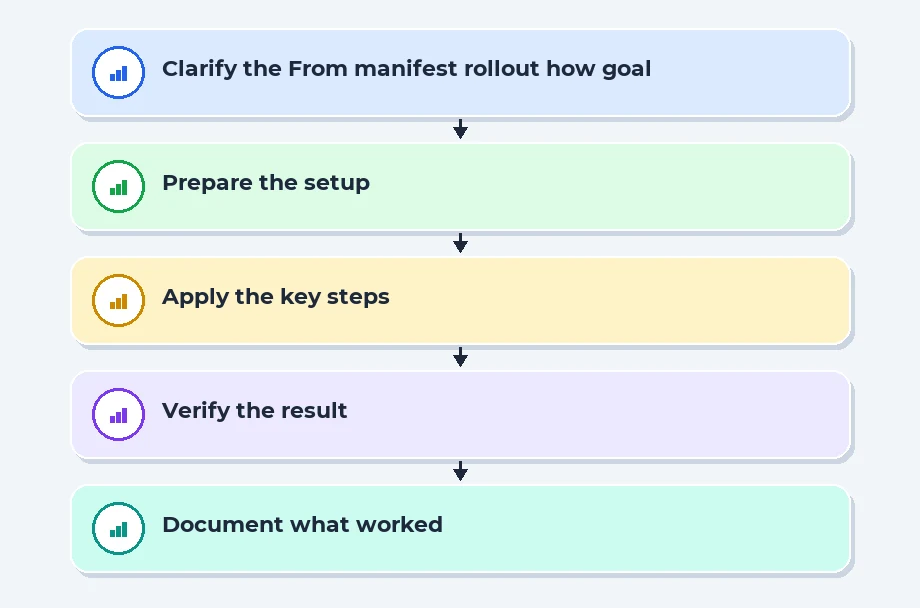
A Deployment describes the desired state of an application. It states how many instances should run and what container image to use. The deployment is not the runtime itself. It is a declaration that Kubernetes reconciles to make reality match the declared state.
When you apply a manifest, two things happen. First, the API server stores the desired state. Second, the control plane begins reconciling that state. The primary actors are the Deployment controller and the Scheduler. The Deployment controller ensures the right number of pods exist and that those pods run the template you specify. The Scheduler decides which Node will run each Pod based on resource requirements and node availability.
In practice you will see a sequence like this during an upgrade or roll out. The manifest changes the container image in the template. The Deployment controller creates and updates a ReplicaSet that manages the pods. As the ReplicaSet grows, new pods with the new image are created and gradually replace older ones. The process respects policy settings such as rolling update strategy, max surge, and max unavailable. Those settings determine how many pods can be updated at once and how many can be temporarily unavailable during an update.
Plain-language quick glossary: max surge is a small temporary bump in pod count during updates to handle traffic; max unavailable is how many pods can be down while the upgrade proceeds. Readiness and liveness probes are checks that help Kubernetes decide when a pod is ready to serve traffic and when it should be restarted. Kubelet is the agent on each node that starts containers and keeps them running. Taints and tolerations let you lock certain workloads to specific nodes, and anti-affinity helps spread pods across nodes to reduce risk of a single node failure.
Readiness and liveness probes are critical during this phase. A pod might be running but not yet ready to serve traffic. Kubernetes will not send requests to a pod until its readiness probes pass. If a pod fails a probe, the kubelet marks it unhealthy and the Deployment controller replaces it, maintaining the desired state.
In a typical team, you will see commands and workflows that align with this flow. A PR might update a deployment manifest to point to a new image tag. The CI pipeline builds and pushes the image, then the PR reviewer confirms that the deployment spec sets the correct replicas and a safe update strategy. The team then applies the manifest to trigger the rollout. In this setup you must monitor progress to avoid surprises during business hours in Bengaluru's busy IT corridors.
Placement Clients


MSME Companies in UK & US
03. Pods, ReplicaSets, and controlled rollouts in practice
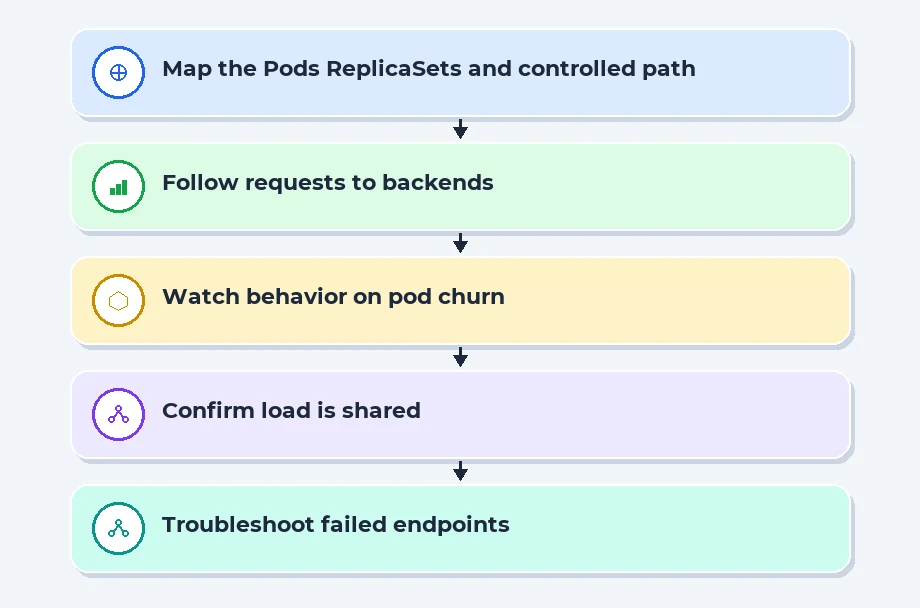
Deployments, ReplicaSets, and Pods form the core machinery behind your application running in clusters. A Pod is the smallest unit that runs a container. A Deployment creates and manages a ReplicaSet. The ReplicaSet then ensures a stable number of Pod replicas exist to meet the desired state. The Deployment can be updated to apply new changes while the old ones are gradually replaced.
Understanding the relationship helps you troubleshoot failures. If a Pod dies, the ReplicaSet immediately creates a replacement. If a replacement cannot be created due to image pull errors or misconfigurations, the Deployment controller pauses the rollout and logs the issue. In a typical Jira or GitLab workflow, the incident would surface in monitoring dashboards, and the on-call engineer would roll back or adjust the manifest to fix it.
There is a practical distinction between a Deployment and a ReplicaSet. A ReplicaSet exists to maintain a stable set of Pods, but it is not generally created directly by users. You usually interact with Deployments because they provide a higher level of control and strategy for updating pods. This simplification matters when you need predictable upgrades without manual pod management on multiple nodes.
When you scale, you change the replica count in the Deployment. Kubernetes then adds or removes pods as needed. The scheduling decision is still made by the Scheduler, based on node resources, taints, and tolerations. The bottom line is that the Deployment orchestrates the lifecycle, while ReplicaSets handle the practical repetition of pods across the cluster.
04. Exposing the app inside the cluster: networking and service discovery
Kubernetes uses a layered networking model to expose your app inside the cluster and to the outside world. Each Pod gets an IP, and a Service provides a stable endpoint for a group of pods. A Service is not a single pod; it is a logical abstraction that load-balances across pods matching a selector. This separation makes upgrades safer because clients connect to a stable address while the backend Pods change behind the scene.
For example, a user opens https://www.example.com in a browser. The DNS for that host points to an Ingress controller inside the cluster. The Ingress has rules that map that host to a specific Service. The Service then forwards the request to one of the Pods selected by its labels. The chosen Pod runs the app and returns the response through the Service, the Ingress, and back to the user. If a rollout changes which pods are healthy, the Service continues to balance traffic only to the pods that pass readiness checks. This decoupling between the client URL and the internal pod instances makes upgrades safer and more predictable.
There are several service types. ClusterIP lets the app be reachable only inside the cluster. NodePort exposes a port on every node so external clients can reach the service. LoadBalancer integrates with a cloud provider to create an external load balancer. Ingress sits on top of Services and uses rules to route external traffic to the right Service, often with TLS termination and host-based routing. For a senior engineer this combination is a fundamental tool for building scalable, production-ready APIs and front ends.
In practice you will see a PR that changes service selectors or updates an Ingress rule. The change should not affect traffic until the rollout completes and the readiness checks pass. You will also plan for DNS within the cluster so that service names remain stable as Pods move between nodes. A good habit is to test routing from a staging namespace before promoting to production, especially in large clusters with many services and teams.
Comparison of deployment options inside Kubernetes
| Feature | Self managed on premises | Cloud managed (EKS, AKS, GKE) |
|---|---|---|
| Management overhead | High control, higher operational burden | Lower, platform handles upgrades |
| Platform upgrades | Manual planning and execution | Automatic or semi-automatic by provider |
| Scaling agility | Depends on hardware and infrastructure | Fast, API driven scaling |
| Cost predictability | Capex heavy, variable utilization | Opex model with predictable billing |
05. Safety nets: security policies and observability during deployment
Security in Kubernetes is not an afterthought. It starts with who can change deployments and what those deployments can do. Role Based Access Control, or RBAC, controls who can apply manifests, view logs, or modify cluster resources. Network policies restrict which pods can talk to which, providing a safety fence around sensitive services. Pod Security Standards guide what a pod is allowed to run, including privileges and filesystem access. These controls create the guardrails that prevent accidental or malicious changes from causing outages.
Observability is the practice of making the system visible. In production you want logs, metrics, and traces to be collected in a central system. Ready to deploy? You should have alert thresholds, dashboards, and runbooks that tell you when something is outside expected bounds. In real world projects, engineers use centralized logging, metrics, and tracing to diagnose failures during rollouts and to confirm performance under load. A mature team will enforce testing in staging before production and have defined escalation paths for incident response.
Recent Job Descriptions

06. What Happens When You Deploy an App to Kubernetes?
Deploying to Kubernetes is a sequence of steps that turn your code into a running service. It starts with packaging your code into a container image, tagging a version, and pushing the image to a registry so other systems can fetch it. Then you write manifests in YAML that describe desired state: how many copies of your app should run, how much CPU and memory they can claim, what environment variables to set, which service accounts grant access, and which secrets to mount. Those manifests become your contract with the cluster. When you apply them, Kubernetes doesn't immediately reach perfection; it starts moving toward that goal, correcting as it discovers constraints like limited node capacity, image pull delays, or network policy restrictions. This is container orchestration in action, a cloud-native approach that plays nicely with DevOps practices.
Across the control plane, Kubernetes begins the reconciliation dance. A Deployment asks for N replicas; a ReplicaSet ensures there are exactly N Pods alive. Each Pod wraps one or more containers and runs on a node that has the right runtime and enough room. The scheduler decides where to place each Pod, considering resource requests, node labels, taints, and anti-affinity rules. If no node fits, the Pod sits in Pending until capacity frees up. The control plane stores state in etcd and the API server validates changes. Once scheduled, the kubelet on that node pulls the image, starts the container, and attaches the Pod to the cluster network. In short, your code is not running in isolation; it's a living, managed object that Kubernetes continuously monitors and adjusts. All this is part of reliable application deployment at scale.
Scheduling decisions, health checks, and the first rollouts
Kubernetes schedules by matching resource requests to node capacity, then applies tolerations, affinities, and constraints to pick a best-fit node. Pods may stay Pending if the cluster lacks a suitable node. When a Pod is running, readiness probes tell the system when it is ready to serve traffic, and liveness probes let Kubernetes restart it if something goes wrong.
During a rollout, the system gradually replaces old Pods with new ones according to the strategy you chose-rolling updates are common; canaries and blue-green patterns are used for risk control. You can watch progress with kubectl rollout status and roll back if something goes off the rails.
07. References
Kubernetes documentation:Kubernetes documentation
08. Conclusion
Deploying an app to Kubernetes is a coordinated effort across manifest design, scheduling, rollout strategies, and ongoing observability. The practical approach is to start with a stable deployment and a clear rollback plan. As teams scale, you will rely on cloud driven services to reduce overhead, while maintaining strong security and rigorous monitoring. In Bengaluru and other tech hubs, the most successful projects combine hands-on practice with mentorship and project-based learning. This is the path that leads to production readiness and a reliable software delivery culture. For those pursuing deeper hands-on experience, courses focused on DevOps, cloud-native practices, and full-stack development offer practical routes to build the required skills.
In training environments that emphasize project work, mentorship, and placement readiness, learners gain the habits that teams look for in the first six months on the job. The concepts covered here translate into real work: PR reviews that scrutinize deployment manifests, escalation drills during failed rollouts, and careful planning for capacity and cost. This approach aligns with the industry's expectations for practical, outcomes oriented learning. It also reflects the focus of classroom based learning that supports future placement and career growth in IT.
As you advance, you will build more sophisticated patterns such as Canary and blue-green deployments, stateful workloads, and automated testing of deployment pipelines. The starting point is solid understanding of how Kubernetes translates a declared state into a running system. That foundation makes the rest easier to implement and debug in the real world, whether you are coding in Java, Python, or the MERN stack. And it matters in every team that values reliable delivery, scalable growth, and responsible operations. This practical, hands-on path mirrors what mentors at Scoop Labs emphasize through project-based learning and placement oriented programs in Bangalore.
Navigate to Address
Scoop Labs
59, 2nd Floor, VLM Towers, 10th Cross Road, 2nd Stage, Padmanabha Nagar, Banashankari, Bengaluru, Karnataka 560070
Get Direction: Banashankari
Submit a Request
Recent Posts


