

Overview: Azure Scale Sets help you run many virtual machines as one managed group, so your application can handle more users without someone creating servers by hand at the worst possible time. This article explains Azure Virtual Machine Scale Sets in plain language: what they are, how Auto-scaling works, where they fit in Cloud Computing projects, and what mistakes juniors should avoid when they build them.
01. Introduction
A common beginner mistake in Cloud Computing is thinking that scaling only means choosing a bigger server. That is called vertical scaling. It can help for a while, but it has a limit. At some point the bigger machine becomes expensive, harder to restart, and still a single point of failure.
Most production teams prefer to scale out when they can. Scaling out means running more than one machine and spreading traffic across them. If one machine is busy or unhealthy, the others continue serving users. This is the idea behind Azure Scaling with virtual machines.
Azure Virtual Machine Scale Sets give you a managed way to run a group of similar virtual machines. You define the model once: the VM size, operating system image, networking, health behavior, update approach, and scaling limits. Azure then creates and manages instances from that model.
Think about a ticket booking app before a popular event, a student portal on results day, or an API that receives unpredictable mobile traffic. Nobody wants an engineer watching a dashboard all day and manually creating new VMs when users start complaining. A scale set lets the platform react using rules.
This topic matters for juniors because it connects many cloud skills in one place. You will touch compute, virtual networks, load balancers, monitoring, alerts, security rules, managed identities, cost limits, and Infrastructure as Code. If you can explain Azure Virtual Machine Scale Sets clearly, you are already thinking beyond isolated cloud services.
02. Why do Azure Virtual Machine Scale Sets remove scaling headaches?
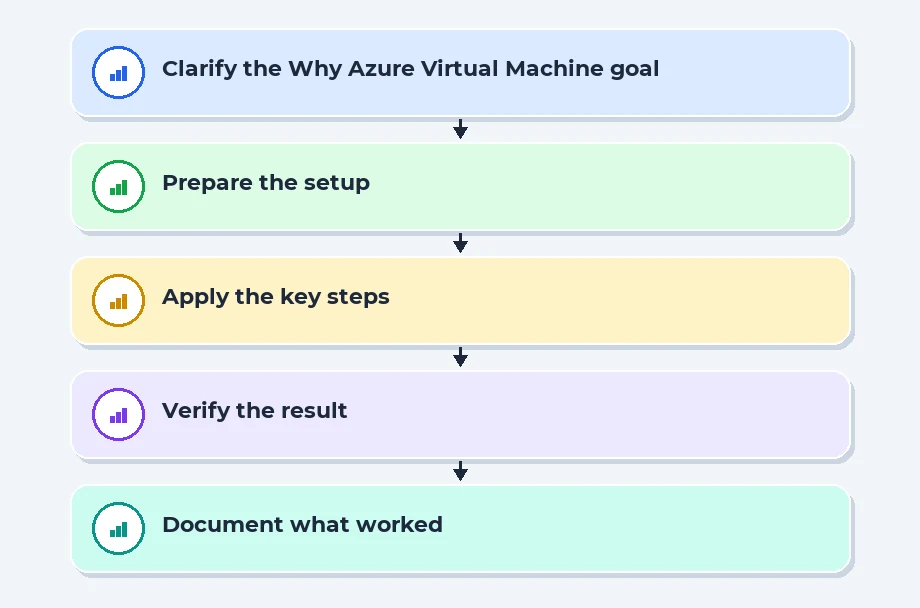
The first virtual machine is usually easy. You create it, install the application, open the required ports, and test it. The headache starts when the second, tenth, and fiftieth machines must behave exactly like the first one. If each VM is created by hand, small differences appear quickly.
One VM may have a different patch level. Another may miss an environment setting. Another may have an older build of the app. A firewall rule may be changed on one machine and forgotten on the others. These differences are small during setup, but they become serious when real users are routed across all instances.
Azure Virtual Machine Scale Sets reduce this problem by using a shared model. Every instance is created from the same definition. When you need three machines, Azure creates three from that model. When you need thirty, it does the same thing again. The goal is not just more servers. The goal is repeatable servers.
A scale set also works well with a load balancer or application gateway. Users do not connect to one special VM. They connect to the front door, and traffic is distributed to healthy instances. This is one of the biggest mental shifts for beginners: the individual VM is no longer the hero. The service as a whole is the unit you care about.
The same idea helps with maintenance. If an instance becomes unhealthy, it can be replaced. If a new version must be rolled out, instances can be updated in batches instead of all at once. If traffic falls at night, extra instances can be removed so the team is not paying for capacity it does not need.
There is still engineering work involved. A scale set will not automatically fix a badly designed application. If your app saves important files only on the local disk, deleting an instance may delete user data. If your health check says everything is fine when the app cannot reach the database, traffic will still go to a broken instance. The platform gives you the mechanism, but your design must be ready for it.
A useful way to explain a scale set to a junior engineer is this: it is a promise that machines can be created, removed, and replaced safely because the important configuration lives outside one hand-built VM. That promise is what removes a lot of scaling stress.
Placement Clients


MSME Companies in UK & US
03. How does a scale set grow, shrink and heal?
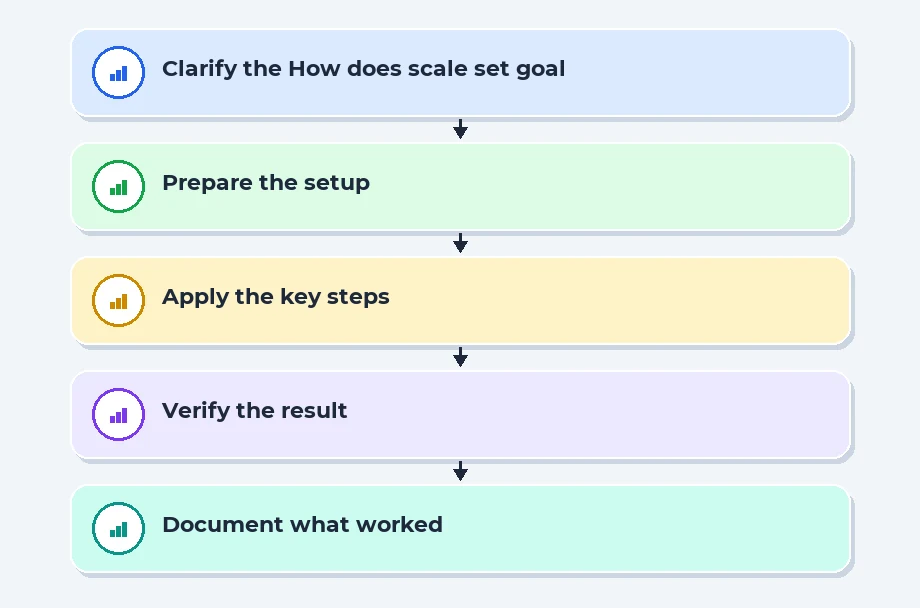
Auto-scaling is often explained too casually. People say the cloud adds machines when traffic increases, but that is only part of the job. A good scaling rule also decides how much capacity to add, how long to wait before acting again, when to remove machines, and how to avoid sending users to an instance that is still starting.
04. Which scaling design should teams choose for real workloads?
Not every workload needs the same scaling style. A public web application, background report processor, internal admin portal, and multiplayer game server all behave differently. The right design depends on traffic pattern, startup time, state handling, cost tolerance, and how much downtime the business can accept.
For a small test environment, manual scaling may be enough. You may keep one instance most of the time and increase the count during a demo. This is not a production habit, but it helps beginners understand that a scale set has an instance count and that each instance consumes cost.
Scheduled scaling works when demand is predictable. If an internal business app is busy from 9 AM to 6 PM and quiet at night, a schedule can add capacity before the workday and reduce it later. This is simple and cost friendly, but it fails when unusual demand arrives outside the expected window.
Metric based Auto-scaling is the better choice for production workloads with variable traffic. It reacts to measured pressure. The tradeoff is that the team must tune thresholds, time windows, minimum counts, maximum counts, and cooldowns. Auto-scaling is not magic; it is an operating policy written as rules.
Feature comparison: when should you pick manual, scheduled or metric scaling?
| Feature | Manual instance changes | Scheduled scaling | Metric based Auto-scaling |
|---|---|---|---|
| Best fit | Small test environments and controlled demos | Predictable business hour traffic | Variable traffic and production APIs |
| Human dependency | High, because someone must act | Medium, because schedules need review | Lower, because rules react to metrics |
| Risk area | Slow response during sudden demand | Wrong calendar assumptions | Poor thresholds causing noisy scale actions |
| Cost control | Depends on manual discipline | Good for known usage windows | Good when cooldowns and limits are tuned |
| Beginner learning value | Helps understand instance count | Teaches planning and patterns | Teaches monitoring, alerts and real operations |
There is another design choice: how updates should happen. If all instances are replaced at once, a bad build can take down the full service. Rolling updates are safer because only part of the fleet changes at a time. You watch health signals and continue only if the new batch behaves correctly.
Cost should be discussed early, not after the bill arrives. Every VM size has a price. Storage, networking, public IPs, logging, and monitoring can also add cost. A sensible scale set has a minimum count for availability and a maximum count to stop runaway scaling.
For many teams, the best first production design is boring in a good way: at least two instances for availability, a load balancer or gateway in front, health probes, metric based scale-out, careful scale-in, logs sent to Azure Monitor, and the whole setup described through Infrastructure as Code.
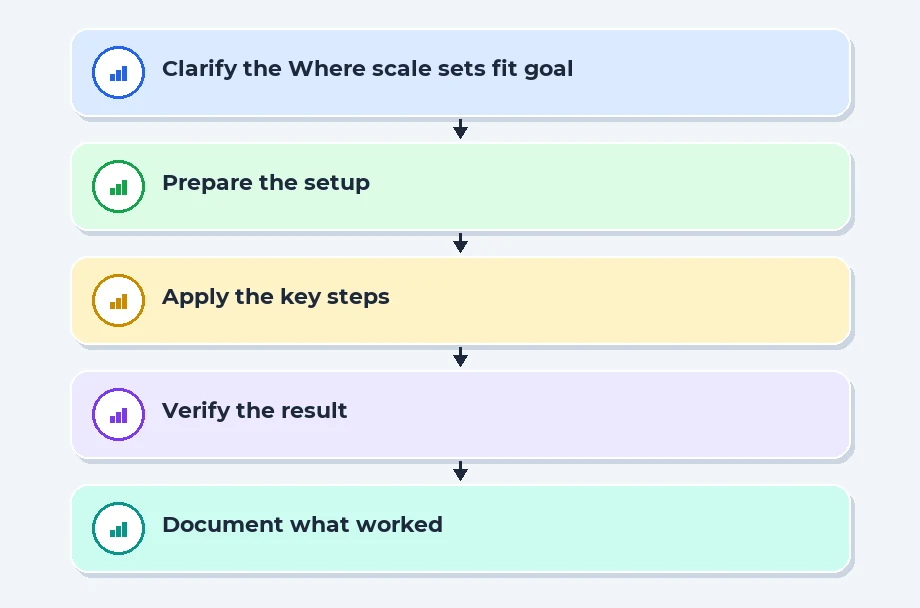
05. Where do scale sets fit in cloud careers and project work?
Azure Scale Sets are a strong bridge topic for career preparation because they connect several skills companies expect from junior cloud and DevOps engineers. You cannot explain them properly without touching virtual machines, networking, monitoring, security, deployment automation, and cost thinking.
Recent Job Descriptions

06. What mistakes should juniors avoid when implementing scale sets?
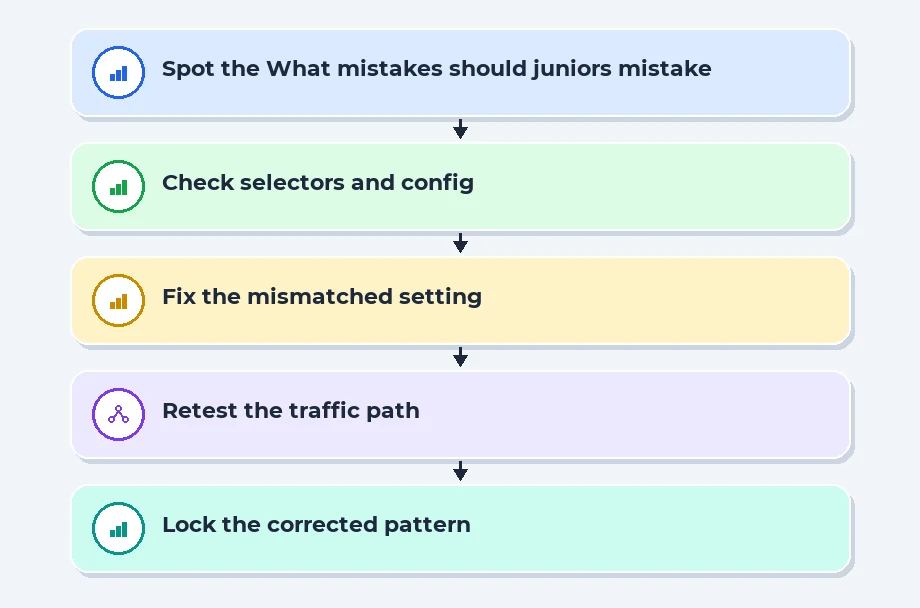
The most common scale set mistakes are not advanced architecture failures. They are simple operational misses. The app stores files on the local VM. The health probe checks the wrong path. The scaling rule reacts too late. The network security group blocks a required port. Logs stay inside the instance and disappear when the VM is replaced.
07. References
08. Conclusion
Azure Virtual Machine Scale Sets are useful because they turn server growth into a controlled engineering process. Instead of creating and fixing machines one by one, teams define a repeatable model, connect it to monitoring, route traffic through health checks, and let Azure add or remove capacity within safe limits.
The key takeaway is simple. Scaling is not only about more machines. It is about repeatable configuration, stateless application design, correct metrics, health based routing, safe upgrades, security, and cost aware limits.
For learners and junior engineers, the best way to understand scale sets is to build a small project, test it under load, break it on purpose, repair it, and explain every decision. That practice turns cloud terminology into workplace readiness.
Navigate to Address
Scoop Labs
59, 2nd Floor, VLM Towers, 10th Cross Road, 2nd Stage, Padmanabha Nagar, Banashankari, Bengaluru, Karnataka 560070
Get Direction: Banashankari
Submit a Request
Recent Posts


