

Overview: Generative AI can be a powerful helper, but it sometimes makes stuff up. AI hallucinations happen when a model outputs facts or conclusions that sound convincing but aren't backed by data. This article explains why these mistakes occur in real work and how teams in Bangalore and beyond can spot, test, and fix them in practical projects. You'll learn concrete ways to diagnose, test, and mitigate hallucinations in everyday workflows.
01. Introduction
Generative AI has become a daily tool for software teams. When we talk about AI hallucinations, we mean moments when a model outputs information that sounds plausible but isn't supported by data or reality. This is a practical problem for developers, testers, and product teams. In the Indian software industry, where roles blend data, logic, and user experience, learning to recognize and fix these mistakes is a core skill.
In training environments at places like Banashankari and across Bangalore, mentors emphasize hands-on practice. It is about building project-oriented discipline rather than chasing shiny features. This article walks you through the behavior behind hallucinations, how to observe them in real projects, and how to build robust processes that keep models honest while delivering value. I'm Sangeetha K, a trainer at Scoop Labs, and I've seen teams wrestle with these issues in day-to-day work as they move from pilot experiments to production. The goal here is practical, not theoretical.
We anchor the discussion in everyday work scenarios you may face in a typical IT project. You will see concrete examples, not abstract theory. The aim is to help you become industry ready and capable of handling model-driven components with care. This is not a marketing page. It is a guide to safer, more reliable AI-enabled software development.
02. Why do AI hallucinations occur in real work?
AI hallucinations aren't a single bug. They come from a mix of data limits, modeling choices, and how people interact with prompts. Understanding the causes helps you design better checks and safer prompts. In a typical project, you will see this in three broad ways in production pipes and feature flags.
Why hallucinations are a mix of factors
First, models learn from vast text data. They try to predict the next word, not verify truth. That means they can echo outdated facts or invent plausible statements that have no grounding in your system. Second, the fine-tuning or instruction data can drift over time. When a model sees inputs that differ from training, it can confidently produce content that's off the mark. Third, prompts and context windows shape the output. If a prompt is ambiguous or lacks constraints, the model fills the gaps with confident but invented details.
In day-to-day work this shows up as a confident answer that later fails a sanity check. You might see a code sample that looks like a real library but uses non-existent APIs. Or a report that seems correct until you compare it with the actual data. The key takeaway is that hallucinations aren't a single flaw but a systemic property of how language models operate under uncertainty. The work reality is that you're dealing with probabilistic reasoning, not a truth machine.
In training rooms and on real projects, the habit that helps most is to treat model output as a hypothesis, not a claim. Treat the first draft as something to fact-check, not a final answer. This mindset makes the rest of the workflow easier to design and more predictable for stakeholders.
Model limitations and data shifts
LLMs rely on patterns seen in training data. They don't have a live understanding of your database or your systems. If data sources change or a feature is renamed, the model will still describe the old setup unless you guide it with fresh input. Data shifts show up when you deploy a model in an environment different from training. This delta creates a gap the model can't bridge without explicit checks.
In practice, teams add data validation stages and use retrieval-augmented generation to fetch up-to-date facts. You can wire a lookup service to refresh key facts before presenting them to users. By weaving external validation into the workflow, you reduce the chance that the model fabricates information simply because it can generate plausible prose. A real-world pattern is tying model outputs to a lightweight data-check API that a front-end can call before rendering a fact card to a user.
Another practical trick is to keep a canonical source of truth in the loop. When a user asks for a status or metric, the system can always pull from the live source and append a short, human-readable explanation. The model then focuses on organizing and presenting the verified data rather than guessing at it.
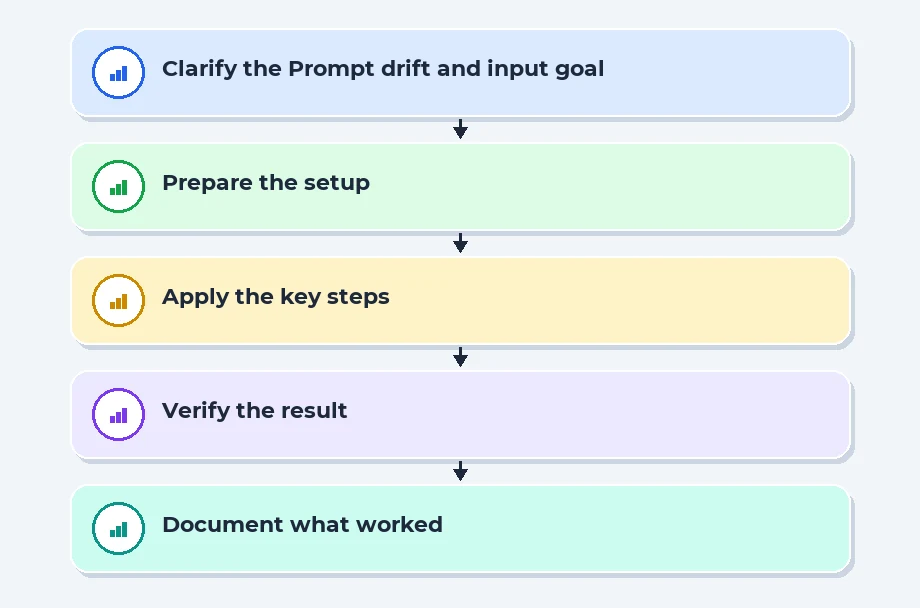
Prompt drift and input variability
Prompts aren't stable contracts. Teams often start with a strong prompt, but over weeks and projects the wording evolves. Small changes in input phrasing can lead to large shifts in output. If a developer refines a prompt without re-testing, the model can drift into generating different kinds of content. This creates a hidden risk where a user sees a coherent answer once and a flawed answer later.
The practical fix is to establish a prompt versioning practice. Keep a baseline prompt and require testing whenever you modify it. Use a small set of representative prompts for validation and compare outputs across versions. This discipline keeps output quality predictable for end users. In a real sprint, we'll keep track via a simple change log and a quick, repeatable validation checklist that's revisited at each release.
Placement Clients


MSME Companies in UK & US
03. What are the main sources of AI hallucinations in LLMs?
There are several root sources that interact to create hallucinations. Recognizing these helps engineers design better safeguards. The main sources fall into four classes: knowledge gaps, reasoning illusions, data integrity issues, and output formatting artifacts. Each type requires a different mitigation approach and a specific testing mindset before production.
Knowledge gaps and outdated information
LLMs are trained on a fixed snapshot of information. If a question refers to events after the training cutoff or uses niche, evolving data, the model may fill the gap with invented facts that sound credible. This risk grows in fast-moving domains such as cloud feature sets, regulatory updates, or new programming libraries. You can recognize it when a model cites APIs or version numbers that don't exist in your current environment.
The remedy is to couple the model with live data sources. Retrieval-augmented generation or live API calls can fetch current facts, while the model provides reasoning and organization around those facts. A simple rule is to validate critical claims with a trusted data source before presenting them to a user. For example, a customer-facing dashboard can display a data point with a footnote citing the source of truth, so the user sees the data and understands its provenance.
In practice, you'll often see an "answer with citation" pattern. The model gives a concise result and then lists a data source or API endpoint. Developers can wire that endpoint to a separate service that verifies the fact before rendering it in the UI.
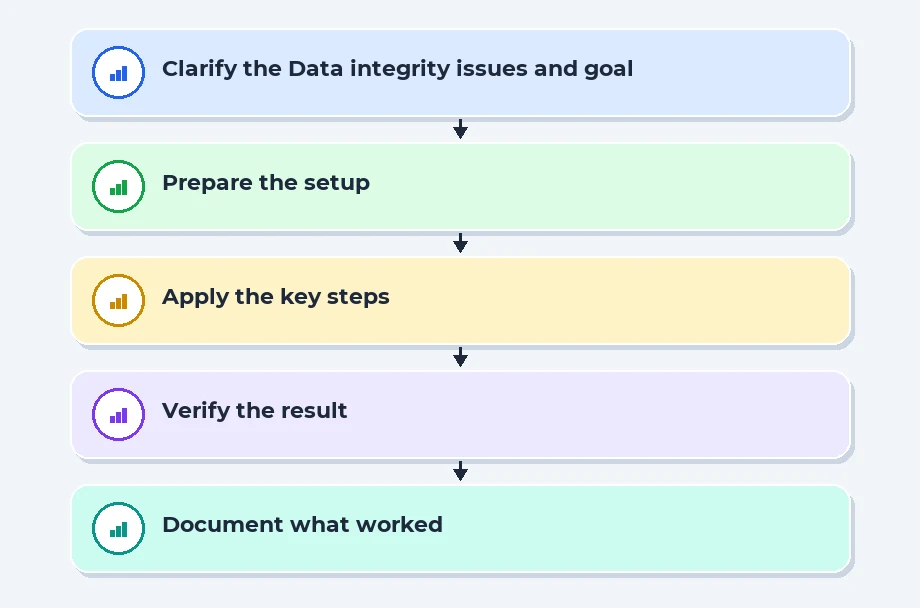
Data integrity issues and noisy inputs
If the input data is inconsistent, incomplete, or noisy, the model may produce outputs that align with wrong premises. Incorrect data in a training set or flaky inputs from sensors and logs can mislead the model about what is true. This is common in dashboards or reports fed from multiple sources where reconciliation is needed. In the wild, you'll see a chart that looks correct but hides missing data behind a smooth line.
Teams mitigate this with data cleansing pipelines, consensus checks across data sources, and explicit data quality tests in the development process. The aim is to prevent the model from committing to a false conclusion simply because it was fed with poor inputs. A practical pattern is to present a confidence meter next to key facts and require confirmation when data quality flags are active.
Reasoning illusions and internal chain behavior
Some hallucinations arise when models simulate internal reasoning sequences that do not reflect actual capabilities. The model may lay out steps that resemble a logical deduction but aren't grounded in verifiable facts. This is risky in planning tasks or where outputs guide critical decisions. It can also mislead by giving the impression of a formal, step-by-step method even when the steps are not validated against data.
Mitigations include avoiding exposing internal chain-of-thought to end users, adding strict validation steps before presenting results, and prioritizing deterministic fallback options when confidence is low. A practical approach is to display an answer first, followed by a short, data-backed justification-clearly labeled as a best-effort explanation rather than a definitive proof. You'll reduce the chance that confident prose masks uncertainty.
Output formatting artifacts
Even when the model's content is accurate, formatting quirks can mislead. A generated code sample might look correct but contain subtle syntax errors, a table header might misalign with its rows, or a chart description may misstate the data. These artifacts can erode trust fast because they appear professional at first glance. In dashboards, misaligned columns or misordered rows can create the impression of accuracy when it's not there.
To counter this, add automated formatting checks, strict code templates, and post-generation validation. Enforcing consistent structure helps detect when something is off and prevents easy misinterpretation by readers or end users. In practice, teams automate a post-generation pass that verifies structural integrity-like checks for table headers matching the number of columns, code blocks that compile, and data rows that align with the header schema.
04. How do teams diagnose hallucinations in production workflows?
Diagnosis requires a mix of monitoring, testing, and human oversight. In production, you cannot assume every answer from a model is correct. A disciplined approach helps catch problems early and maintain user trust. The following patterns are commonly applied in real-world projects to keep outputs honest without slowing teams down.
Monitoring signals and alerting patterns
Start with measurable signals. Track the rate of factual disagreements, user edits, and confidence scores when the model is asked to provide facts. If you see a spike in corrections or user-reported issues, it signals a potential hallucination drift. Establish clear alert thresholds and runbooks so engineers know exactly what to do when something unusual happens. In Bangalore teams, we pair this with regular stand-ups where product, data, and engineering review a handful of live examples from the previous week.
Logging should include the exact prompt, the output, and the data sources used for validation. This makes it easier to reproduce a case in a test environment and test fixes. A practical habit is maintaining a shared incident log and a lightweight notebook with examples and their outcomes. When you can replay a scenario end-to-end, you can compare fixes side by side and evaluate risk before release.
Human in the loop and validation gates
Human review remains essential for high-risk outputs. Create validation gates where critical responses require a reviewer before release to users. This isn't about slowing everything down; it's about protecting high-risk interactions such as financial advice, medical disclaimers, or safety-related prompts. The reviewer checks factual accuracy, source credibility, and policy alignment. In practice, you'll automate routine validation while keeping humans on call for exceptions. This hybrid approach balances speed and reliability and keeps development aligned with customer expectations.
Over time, you'll develop a playbook of common failure modes and their fixes. The human-in-the-loop step becomes a confidence gate. If the model's confidence is below a threshold, the system can either ask for user confirmation or route the interaction to a human reviewer automatically. This keeps the user experience intact while reducing risk.
05. What practical mitigations and workflows reduce hallucinations in development and deployment?
Mitigations fall into design choices, process discipline, and technical safeguards. When you combine defensive prompts with strict validation and lifecycle checks, you create robust boundaries that limit hallucinations without killing productivity. The following subsections cover actionable steps you can start applying in your team's workflows.
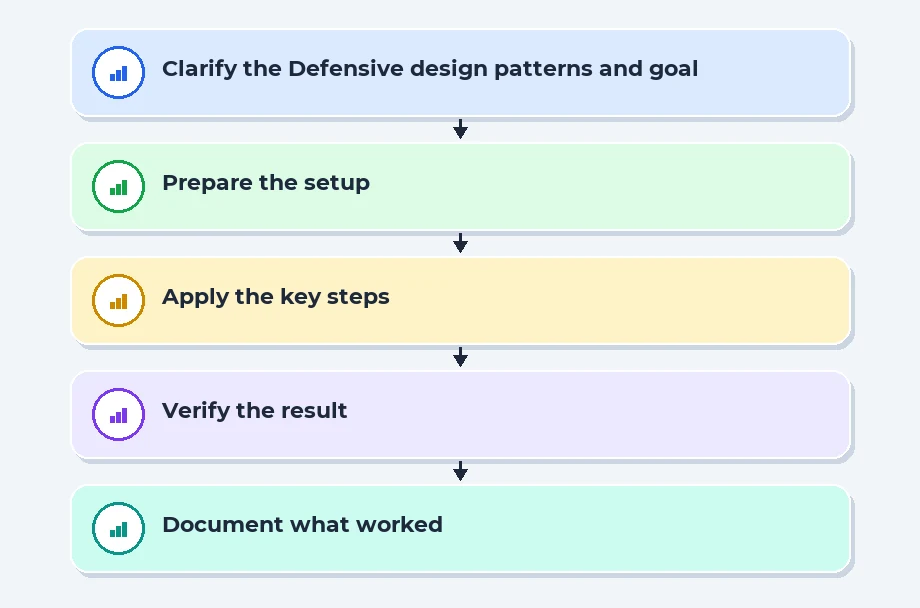
Defensive design patterns and prompt constraints
Use prompts that constrain the model to verify facts before presenting them. Set explicit expectations like cite sources, avoid speculation, and return only data from approved datasets. These constraints reduce the chance that the model fills gaps with invented information. It helps to lock the format and enforce a clear separation between reasoning and factual claims. In practice, teams define templates for responses that separate data from narrative. A typical pattern asks the model to first present a concise answer, then provide a linked data reference, and finally offer a short caveat about potential uncertainties. This predictable structure makes it easier to validate output during testing and demos.
Another practical tactic is to use controlled prompts that request multiple checks. For example, after providing a result, the model is asked to perform a quick cross-check against a trusted data source and report any discrepancies. This turns the model into a first-pass validator rather than the sole source of truth. In real projects, you'll see teams pair defensive prompts with a data-quality gate that blocks any output that cannot be anchored to the source of truth.
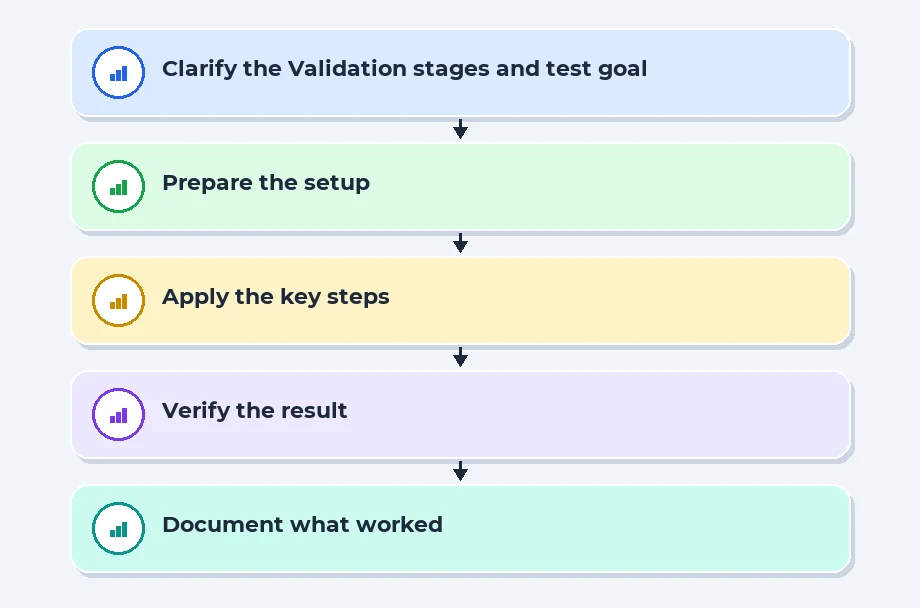
Validation stages and test suites for model outputs
Put in place multi-stage testing. Start with unit tests for individual components such as the data retrieval tool. Extend to integration tests that assess the end-to-end flow from input to output. Add human evaluation for complex reasoning tasks and performance tests to ensure latency remains acceptable under load. You should also test against known failure cases and edge inputs that previously caused hallucinations. Build a simple checklist for each release: data source integrity, prompt stability, and a safety review. If a test fails, revert or iterate before deployment.
Automation matters here. Create test suites that simulate real user sessions and log results for review. Over time, you'll notice common failure patterns and add targeted tests to catch them early in the development cycle. This discipline is what separates teams delivering reliable AI features from those chasing short-term wins. The end result is a more predictable user experience, even when the model is uncertain.
| Mitigation | Pros | Cons | Typical Use Case |
|---|---|---|---|
| Retrieval augmented generation | Fresh facts; grounded answers | Dependency on external sources; latency | Fact heavy customer support chats |
| Strict validation gates | High trust outputs | Slower cycles; governance overhead | Regulatory or safety critical apps |
| Constrained prompts | Less drift; more predictable outputs | May limit creative outputs | Structured data reports |
| Data quality pipelines | Cleaner inputs; fewer false premises | Engineering effort to build pipelines | Analytics dashboards |
Recent Job Descriptions

06. References
GPT-4 Technical Report (OpenAI):GPT-4 Technical Report (OpenAI)
OpenAI prompt engineering:OpenAI prompt engineering
07. Conclusion
AI hallucinations are as much an engineering problem as a modeling one. You won't remove them with a single knob. Instead, you build a system of checks, data governance, and disciplined workflows that reduce risk while keeping teams productive. In Banashankari and across Bangalore, practical, project-based learning helps you translate theory into reliable software. By practicing with real-world prompts, data, and validation gates, you become ready for the day-one demands of industry and placement-focused training paths that prepare you for day-to-day work. This is how good teams work with AI and keep outputs trustworthy for customers and users alike. The longer you practice, the better your ability to spot misstatements and steer the product safely toward value.
Navigate to Address
Scoop Labs
59, 2nd Floor, VLM Towers, 10th Cross Road, 2nd Stage, Padmanabha Nagar, Banashankari, Bengaluru, Karnataka 560070
Get Direction: Banashankari
Submit a Request
Recent Posts


